Watch the demo
Download the video (MP4, 1080p)
In short
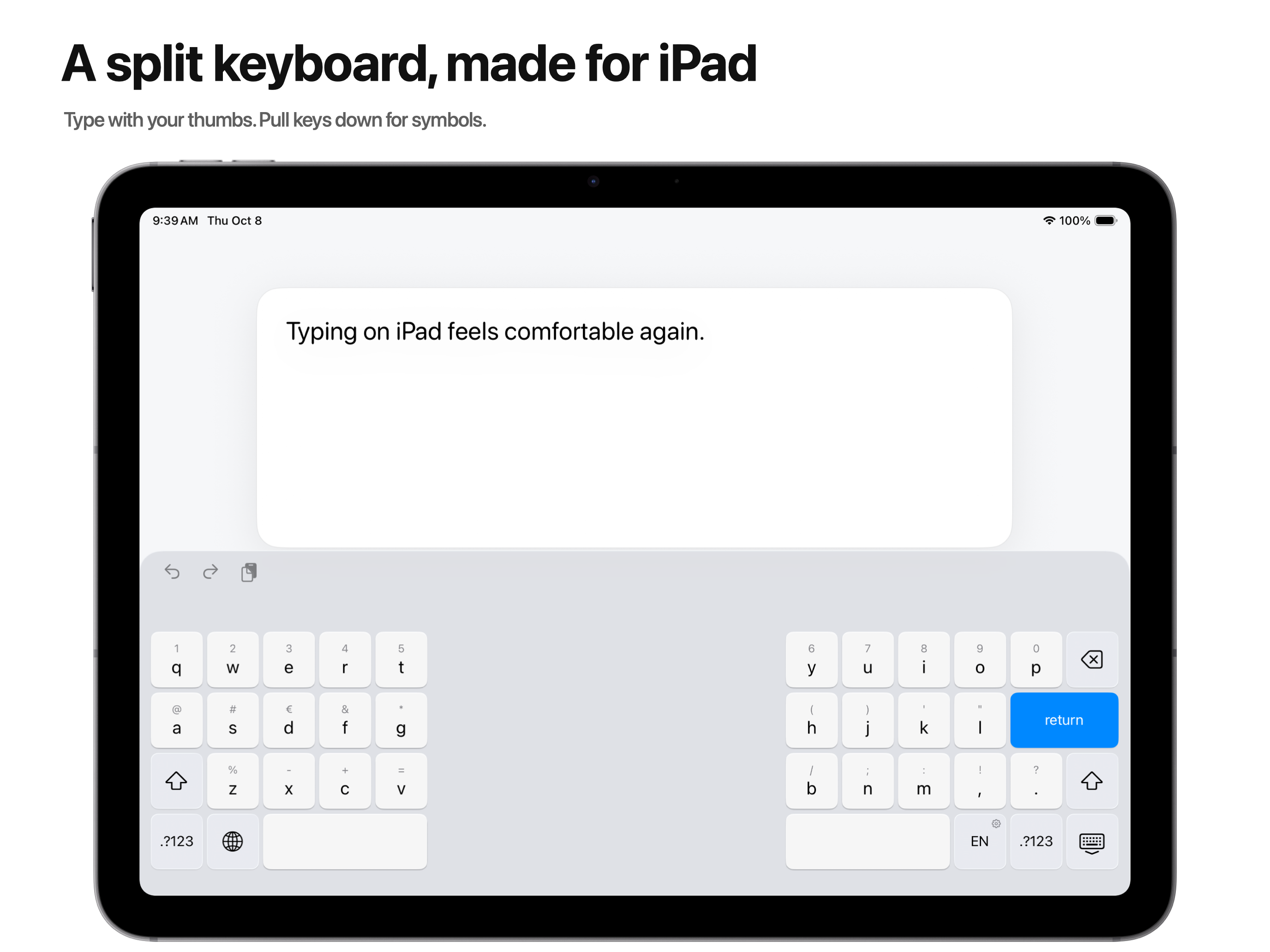
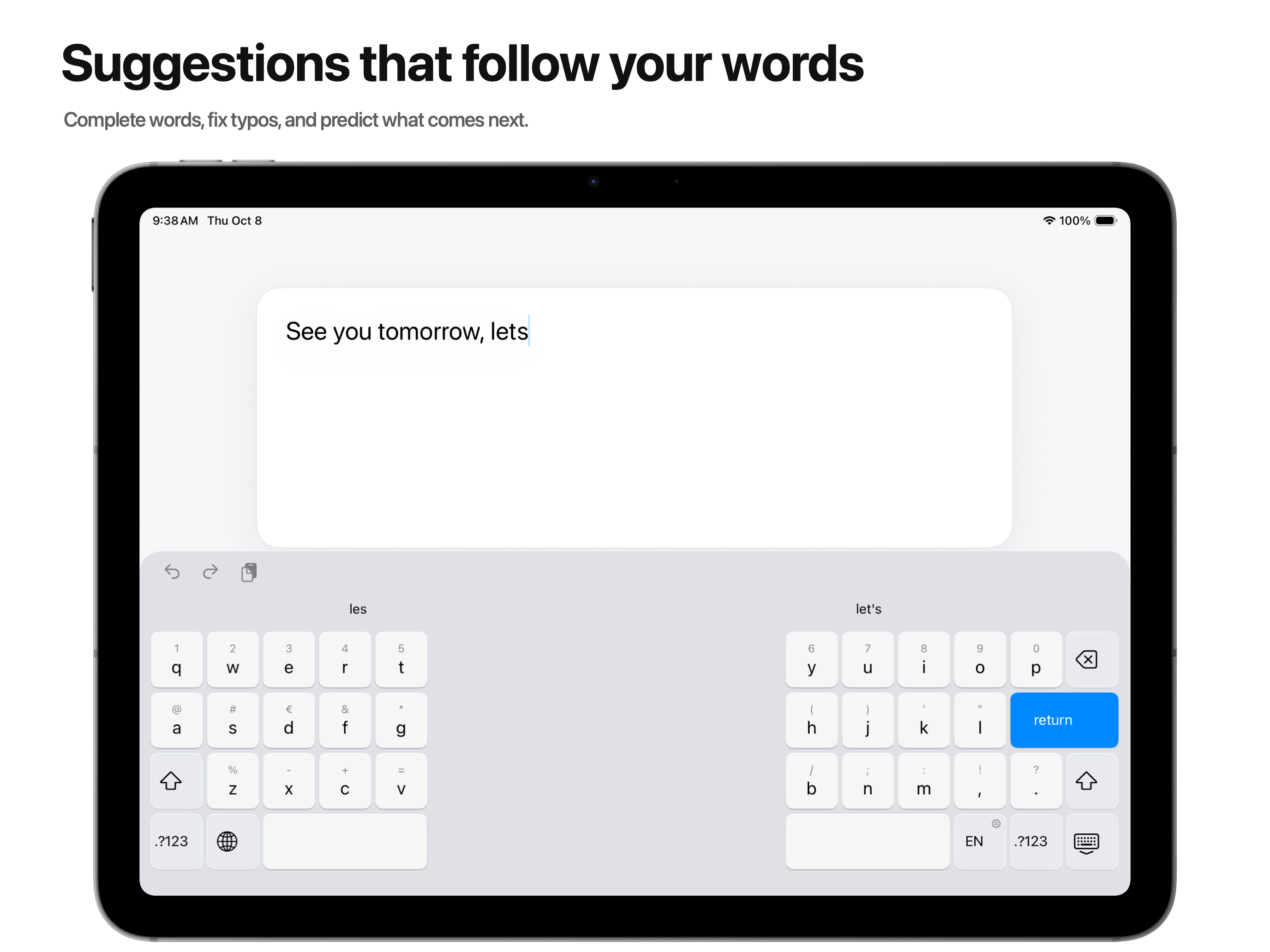
Split Keyboard is a third-party keyboard that adds a split layout to every iPad running iPadOS 18 or later, including iPad Pro and iPad Air. It offers word suggestions and autocorrection, and it works without Full Access.
Why it exists
Apple’s iPad User Guide lists the built-in split keyboard for these models only:
- iPad mini (5th generation and later)
- iPad (6th to 9th generation)
- iPad Air (3rd generation)
The 11-inch, 12.9-inch, and 13-inch iPad Pro, iPad Air (4th generation and later), iPad (10th generation), and iPad (A16) are not on the list. On those models, the Split Keyboard switch does not appear in Settings.
How to split the keyboard on iPad
Highlights
- Two halves sized for thumbs, and a compact unified layout in narrow windows.
- Word suggestions, next-word predictions, and autocorrection, all computed on the iPad.
- Pull a letter key down to type its number or symbol.
- Hold Space to move the cursor like a trackpad.
- QWERTY, German QWERTZ, and French AZERTY or QWERTY, with dedicated ñ, ç, and German letters.
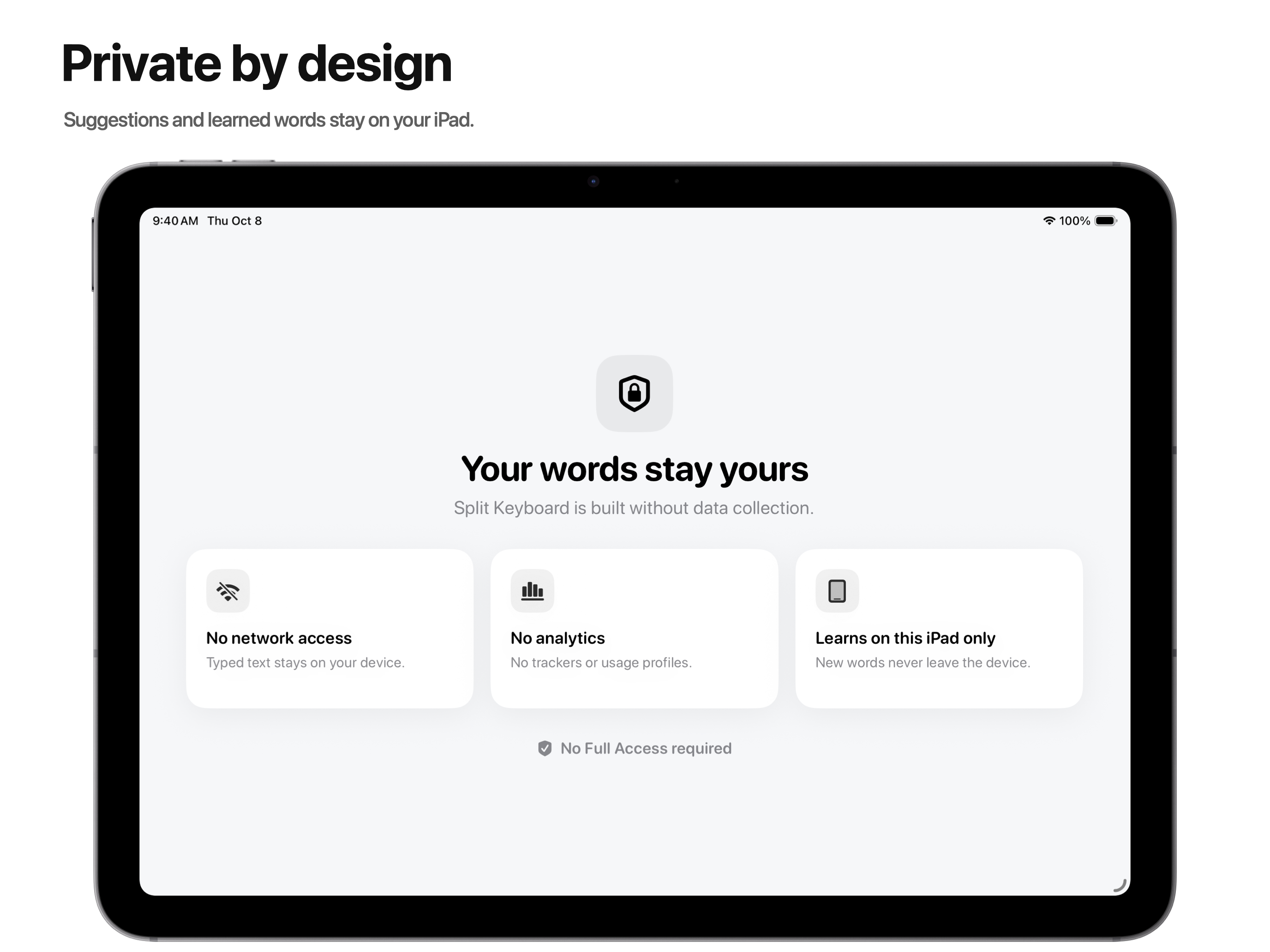
- No Full Access, network access, analytics, or accounts.
Fact sheet
- Developer
- Marco Nunnari
- Price
- One-time purchase, no subscription: $3.99 in the United States.
- Released
- September 10, 2026
- Current version
- 1.3 (October 8, 2026)
- Requirements
- iPad with iPadOS 18 or later
- Typing languages
- English, Italian, German, French, Spanish, and Portuguese for Portugal and Brazil.
- Privacy
- No Full Access, network access, analytics, or accounts.
- Website
- splitkeyboard.app
Screenshots and icon
App Store screenshots at 2752 × 2064 and the app icon at 1024 × 1024, as PNG. Select an image to open it at full size.

Contact
For questions, interviews, or promo codes, write to: support@splitkeyboard.app
You may use the video, screenshots, and icon in coverage of Split Keyboard.